 Spreadsheets · Instructions · Research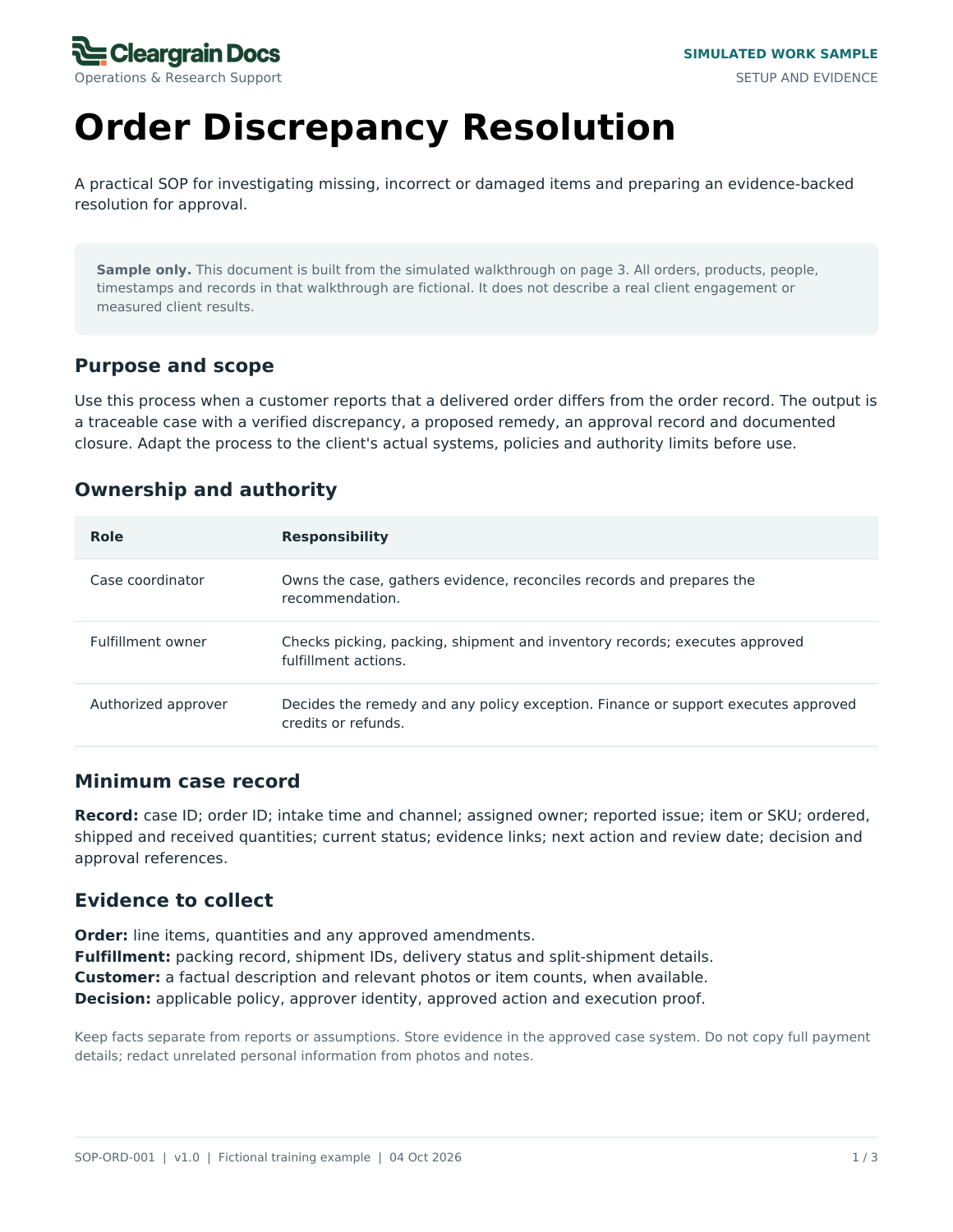
On this page
This order-discrepancy procedure is a simulated work sample. Its orders, products, people, timestamps, records, and policy are fictional. It demonstrates document structure and decision points without claiming a real client result.
What is inside
Page one defines purpose, scope, roles, the minimum case record, and evidence to collect. Page two sets out seven steps, decision branches, and stop-and-escalate boundaries. Page three works through a completed fictional case and closure checklist.
The procedure separates the case coordinator, fulfillment owner, and authorized approver. It requires documented authority for refunds, credits, replacements, order edits, and inventory adjustments.
The simulated case: SIM-014
Order DEMO-1048 is for ten blue storage bins. The packing record and reported receipt both show eight. The coordinator checks for duplicate cases and prior remedies, then compares the order, packing record, and shipment evidence. The sample shows one delivered shipment and no remaining shipment or backorder.
The evidence supports a two-unit shortage. The underlying cause remains unconfirmed.
The decision and the action
The coordinator proposes shipping two missing units. Operations Lead B gives written approval under the fictional replacement policy. The fulfillment owner creates replacement DEMO-R1048 for two units and records dispatch confirmation.
The case moves to “Resolution in progress.” It is not closed simply because a replacement was approved or dispatched.
The closure evidence
In the simulation, delivery confirmation and customer confirmation establish that both missing units arrived. The case owner sends the closure update and records the outcome. The approved remedy, execution evidence, and closure condition remain connected.
The sample does not establish the cause of the packing shortage or claim a preventive-action result. Its delivery and customer-confirmation requirements are fictional case rules; the real team must approve its own closure conditions.
Inspect the complete procedure
Download the three-page fictional SOP. Notice where the reader gathers evidence, pauses for approval, and checks that the action is complete.
For your own process, identify the trigger, intended reader, authorized decision-maker, and evidence of completion. Read the usable SOP guide or review the documentation service and package limits.